EMK - Cluster auto updates
Estimated time to read: 3 minutes
This page describes how to setup automatic updates for your Kubernetes cluster patch version and machine images. It will also describe how those settings are configured in the YAML structure.
See clarifications - Version releases for information about update schedules.
Cyso Cloud's Enterprise Managed Kubernetes offers two automatic update features:
- Automatic patch version in-place update
- Automatic operating system (machine image) version rolling update
An automatic update will happen in the next maintenance window for your cluster. It is possible to change the maintenance window for each cluster in the dashboard.
When the Kubernetes patch version is updated, the update occurs in-place. This means that the worker nodes of the shoot remain unaffected, and only the kubelet process restarts with the new Kubernetes version binary. The same process applies for any configuration changes to the kubelet.
However, if the Kubernetes minor version is updated, the update is carried out through a "rolling update" approach, akin to how pods are updated in Kubernetes (when managed by a Deployment). During this process, new worker nodes are created and old ones are then terminated. The existing workload is gracefully drained and evicted from the old worker nodes to the new ones, adhering to any configured PodDisruptionBudgets.
Configure auto updates
Upgrading an EMK Cluster is straightforward.
Navigate to the EMK Cluster overview in the Cyso Cloud dashboard
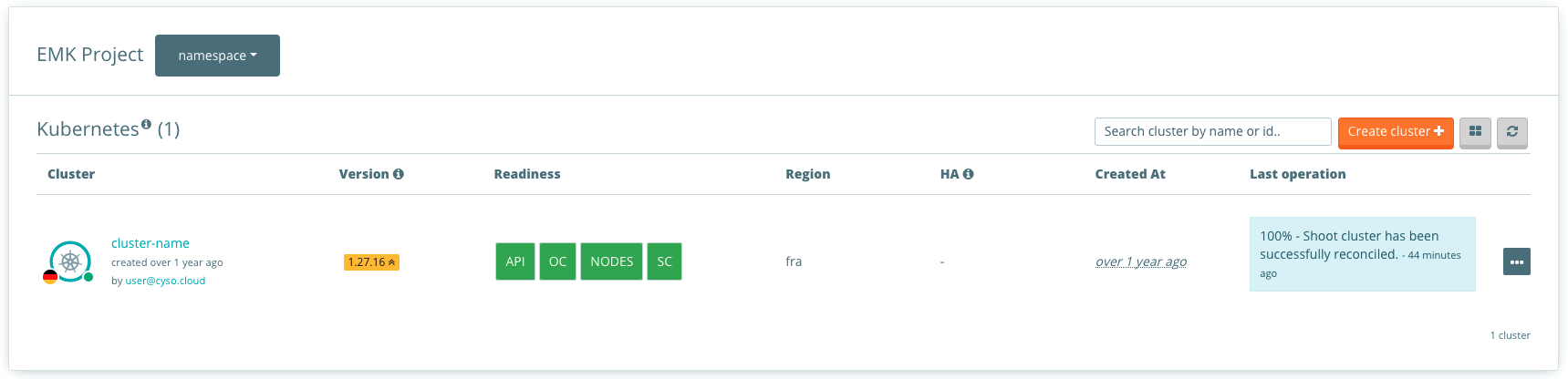
Select the cluster to head over to the cluster detailed page. Navigate then to Logging and Monitoring to access Auto update.
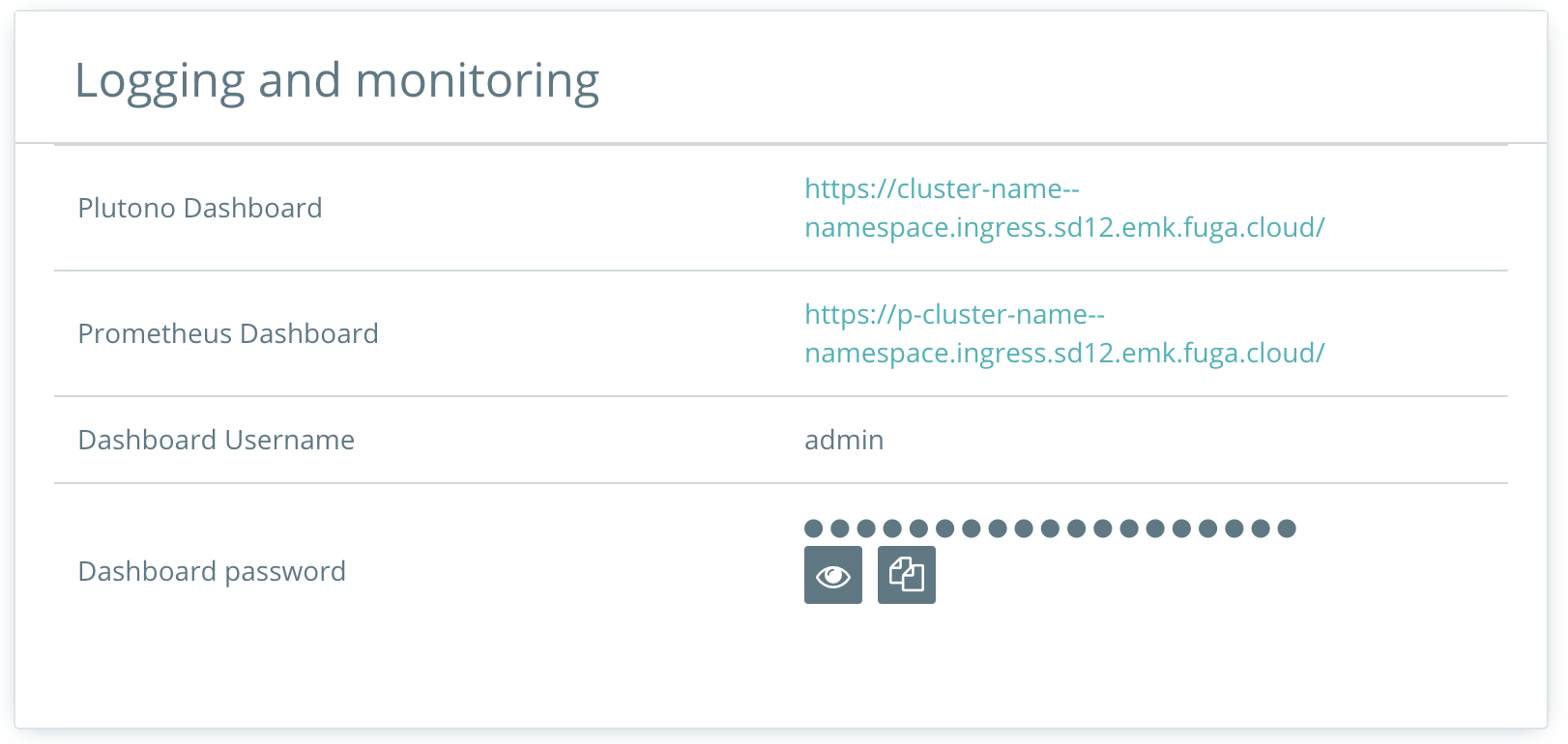
Click on the pencil symbol to edit the auto update. In this form it is possible to change:
- Cluster maintenance window
- Operating System (machine image)
- Kubernetes patch version
Confine specification changes/updates roll out
This setting is currently only configurable through the YAML specification. It is not yet available in the dashboard.
Via the .spec.maintenance.confineSpecUpdateRollout field you can control whether changes/updates to your shoot specification are only rolled out during the maintenance time window. It is false by default, meaning any change to your shoot specification triggers a reconciliation, even outside of the maintenance time window.
This is helpful if you want to update your shoot but don't want the changes to be applied immediately. One example use-case is a Kubernetes version upgrade that you want to roll out during the maintenance time window.
Any update to the specification will not increase the .metadata.generation of the Shoot, which is something you should be aware of.
If confineSpecUpdateRollout=true, please note that if you change the maintenance time window itself, it will only take effect after the upcoming maintenance.
As exceptions to the above rules, manually triggered reconciliations and changes to the .spec.hibernation.enabled field trigger immediate rollouts. I.e., if you hibernate or wake up your shoot, or explicitly trigger a reconciliation, this takes effect right away.